
Adding SEOJuice to Your Search Console
Access Your Google Search Console
Navigate to https://search.google.com/search-console/
Log in with your Google account credentials. Ensure you’re using the Google account associated with the website property you wish to share.
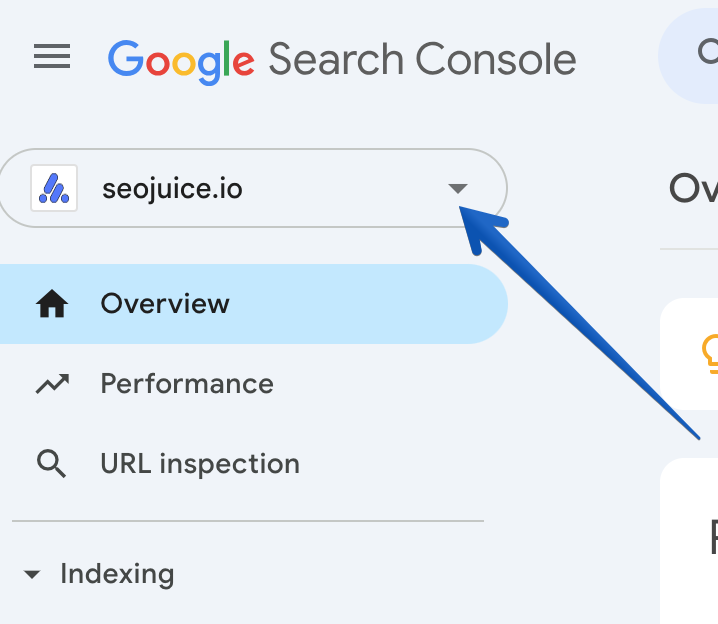
Add SEOJuice as a Verified User
- Once logged in, select the website property for which you want to add SEOJuice.
- On the left-hand menu, go to Settings > Users and Permissions.
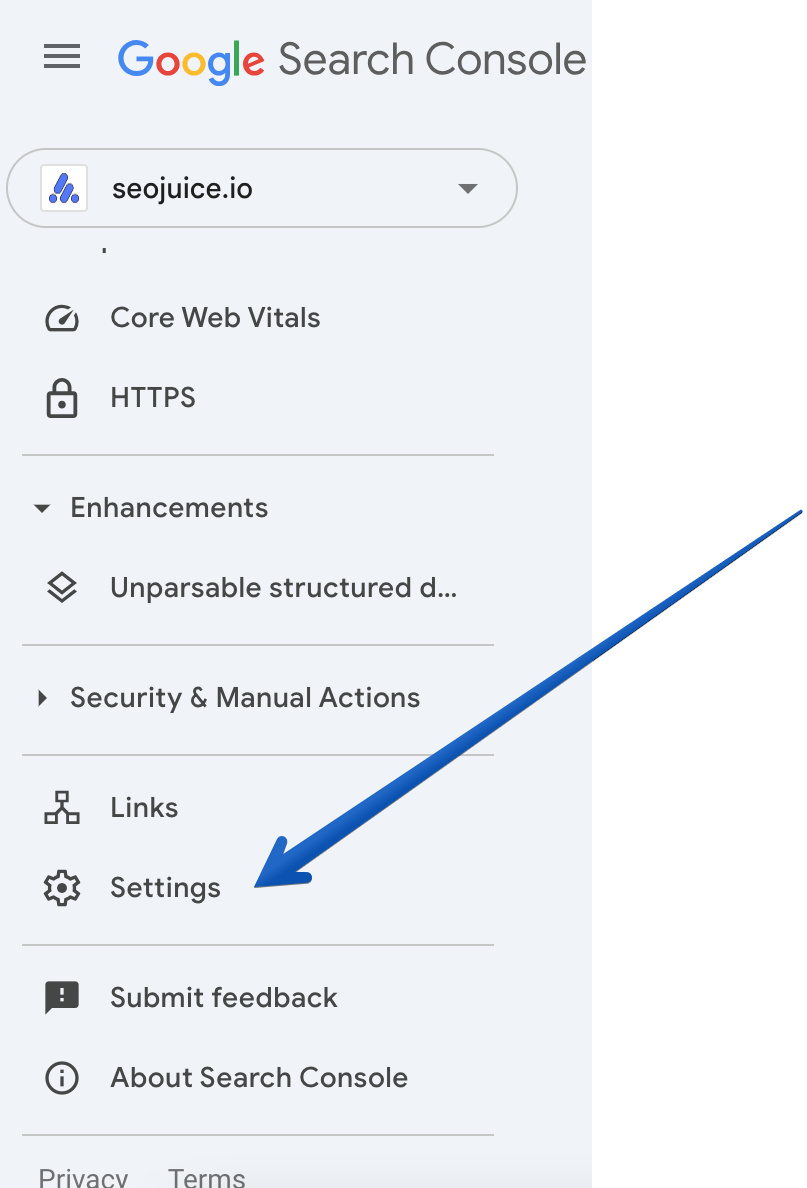
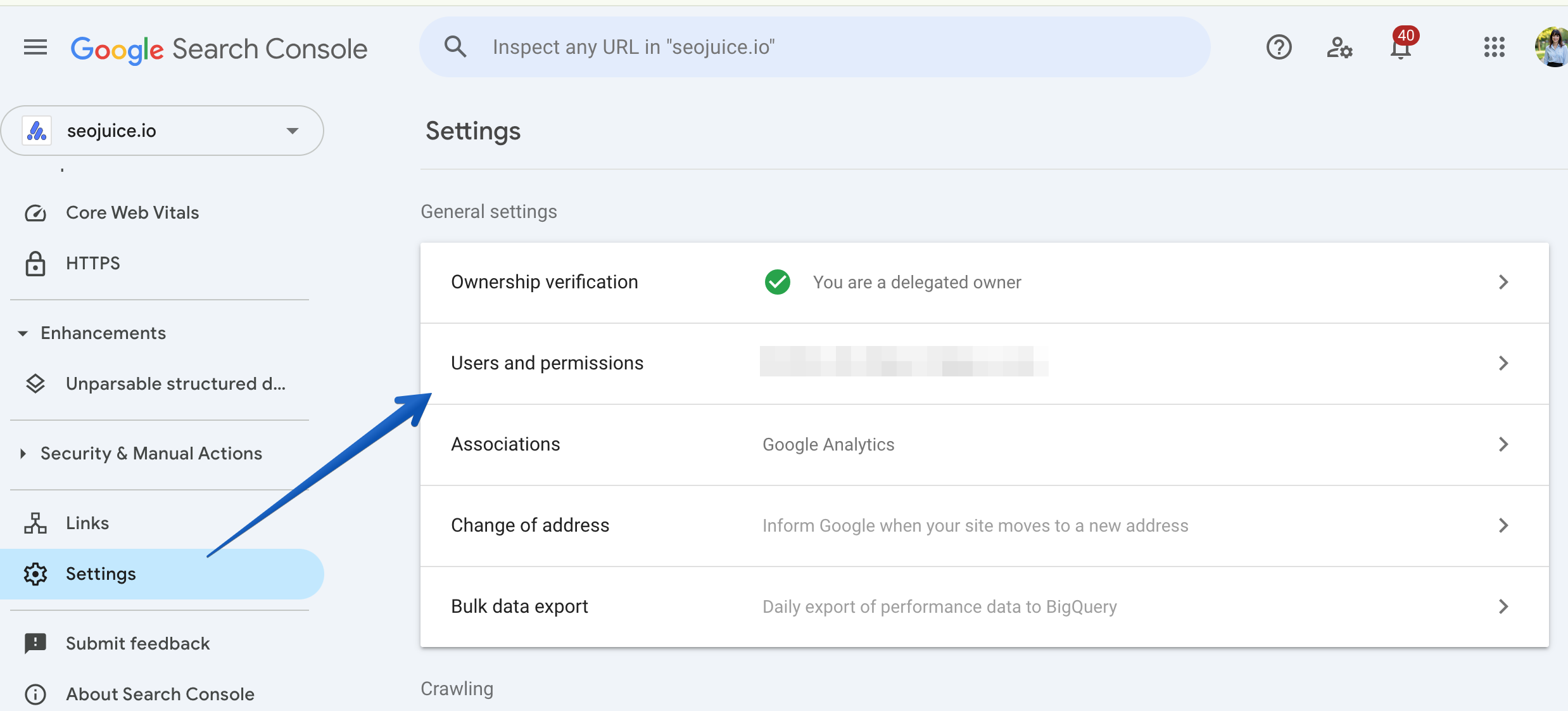
- Click the Add User button in the top right corner.
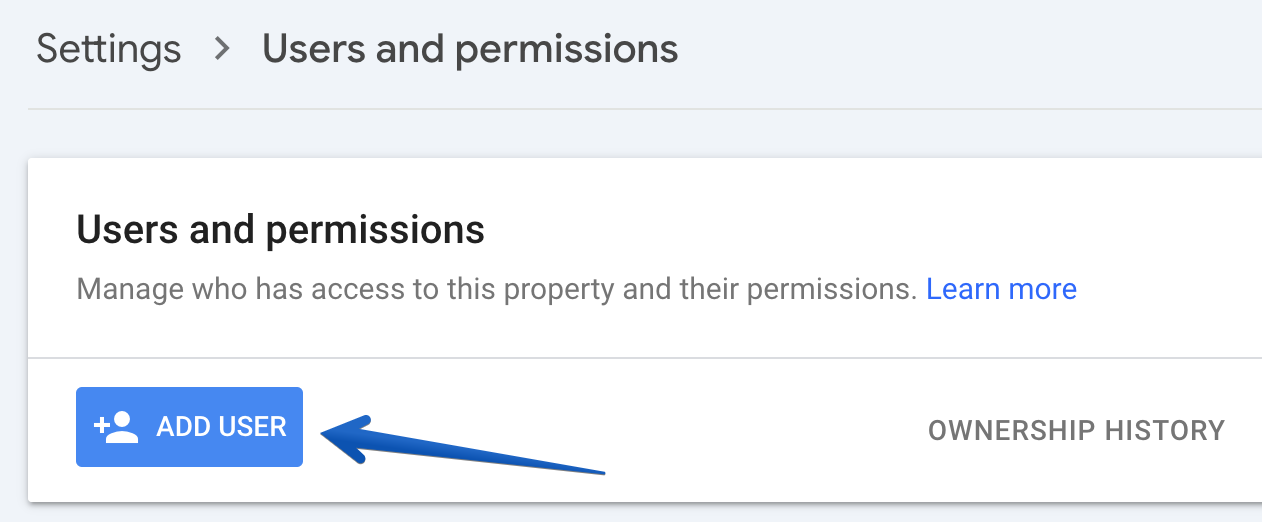
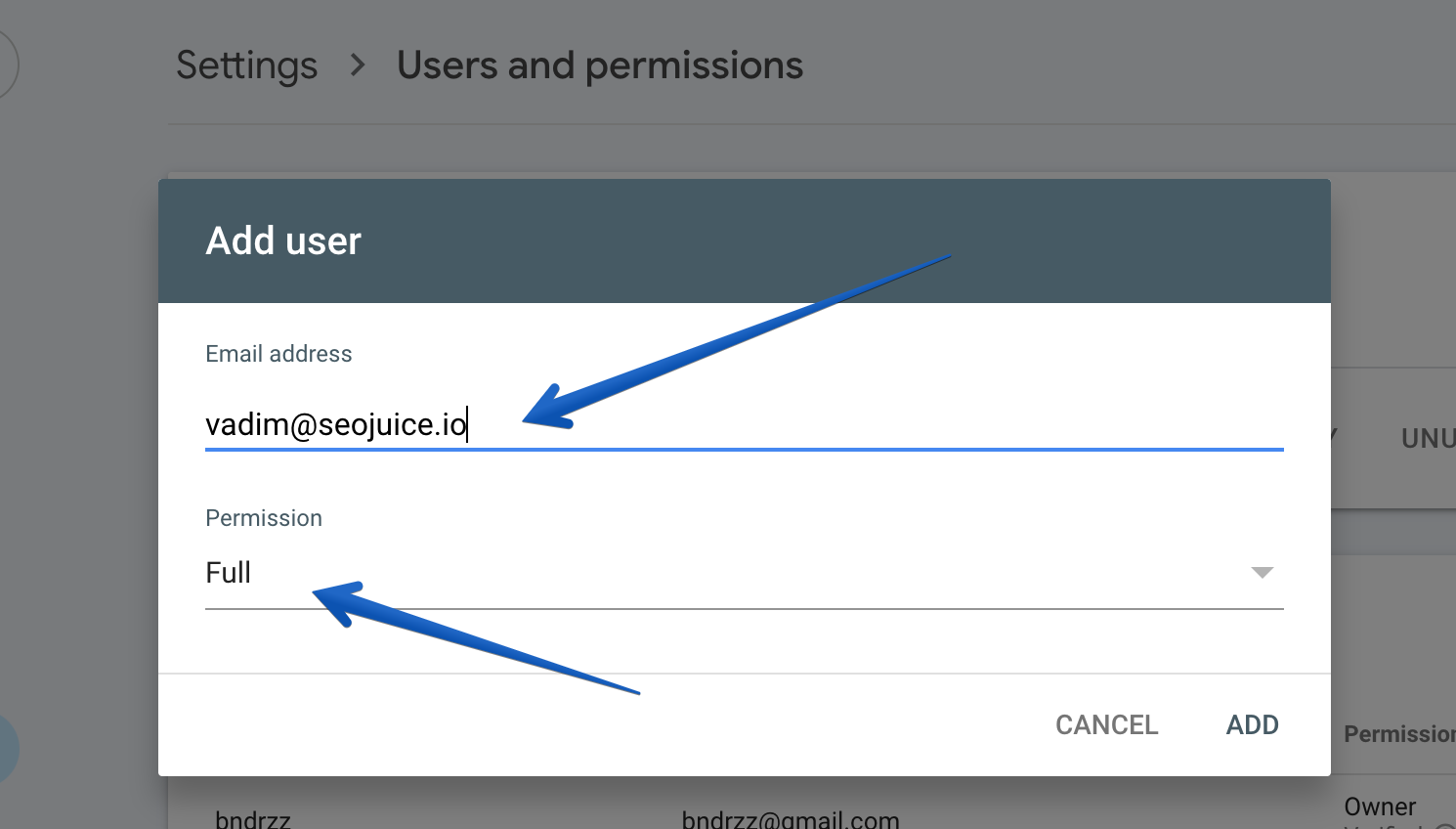
- Enter SEOJuice’s email address: vadim@seojuice.io
- Under Permissions, select Full Access to allow SEOJuice to view and manage Search Console data effectively.
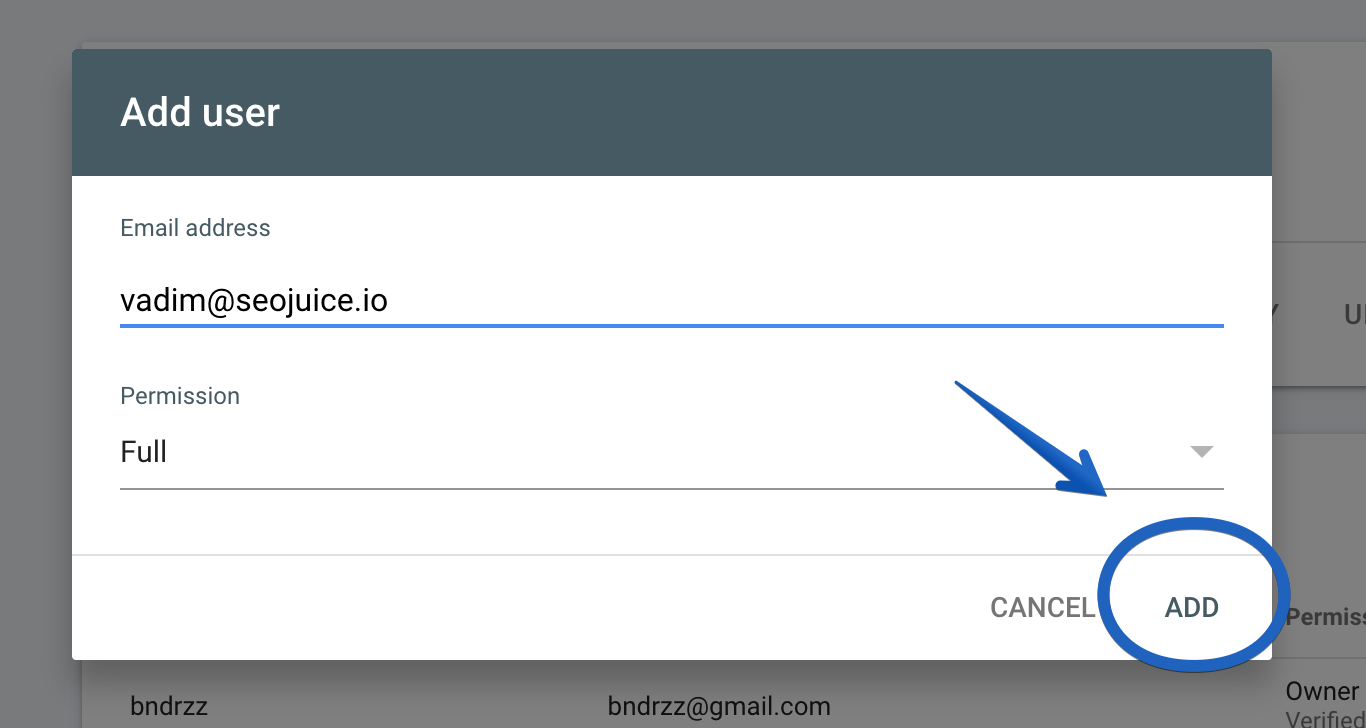
- Confirm the changes by clicking Add.
If you encounter any issues, feel free to contact the support team at lida@seojuice.io for assistance.